The Group by control at the top of the file rail on the Changes tab decides how the files are listed. Pick an option and the rail regroups in place.
| Option | What it does |
|---|---|
| Dependency order | Dependencies first, consumers last, read from each file's imports. The default. |
| File type | By language and kind. |
| Similar | Files that changed together. |
| Change size | Smallest diffs first. |
| AI | Groups and orders files with AI, using the intent you pick. |
AI grouping
Choose Group by › AI, then Run in the rail, or use Review › Group files only on the toolbar. AI sends the PR's diff to your AI provider and returns named groups, each with a short description (the i next to a group). Groups AI marks as noise, such as generated files or formatting-only changes, start collapsed.
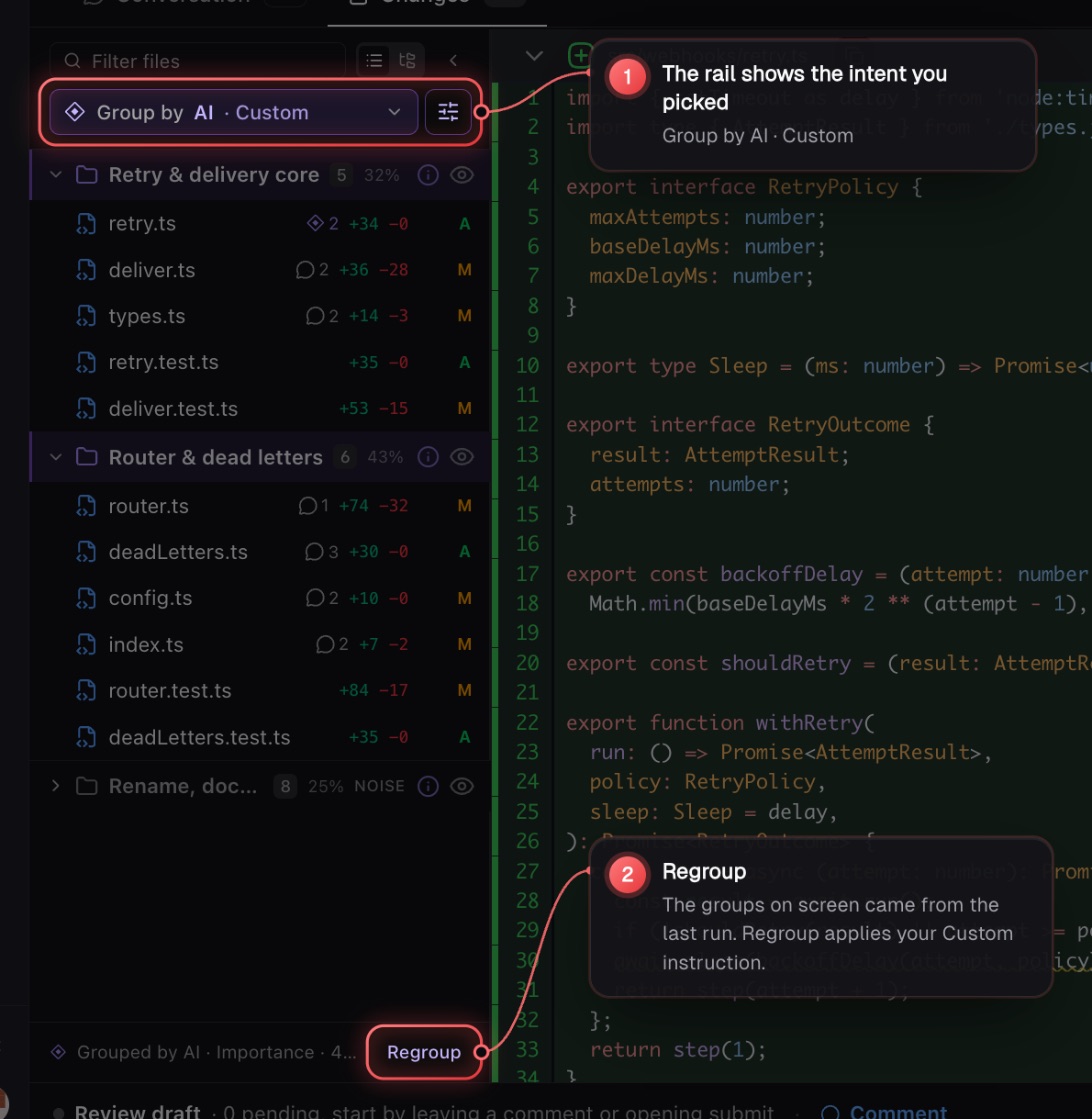
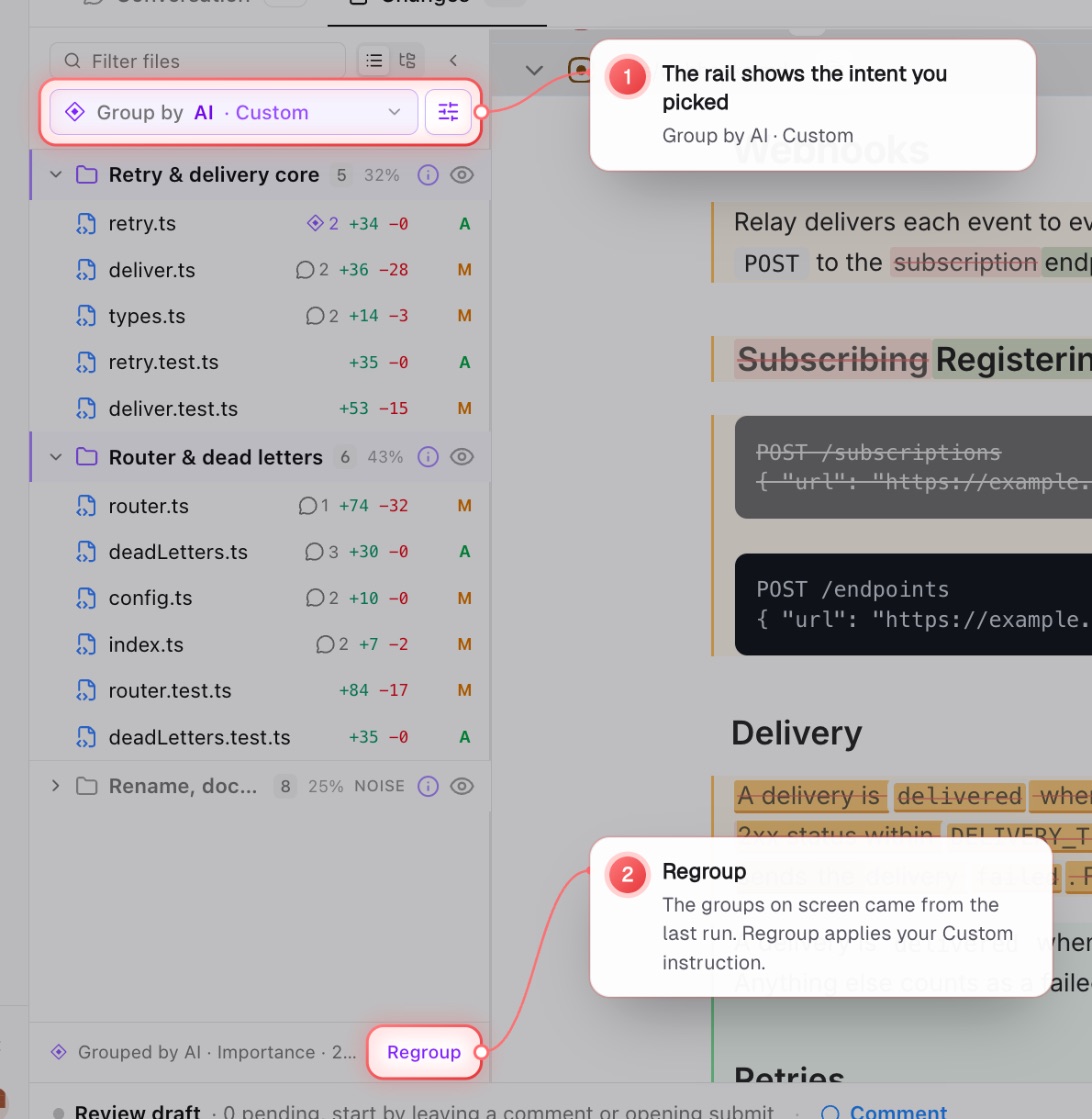
The trigger names the intent your next run will use (Group by AI · Importance), and the rail footer says which intent made the groups you are looking at and when.
Choose how AI groups
While Group by is set to AI, a sliders button sits next to it. Click it to open How AI groups files. The same setting lives in Settings › AI › Preferences › File grouping. It applies to every PR.
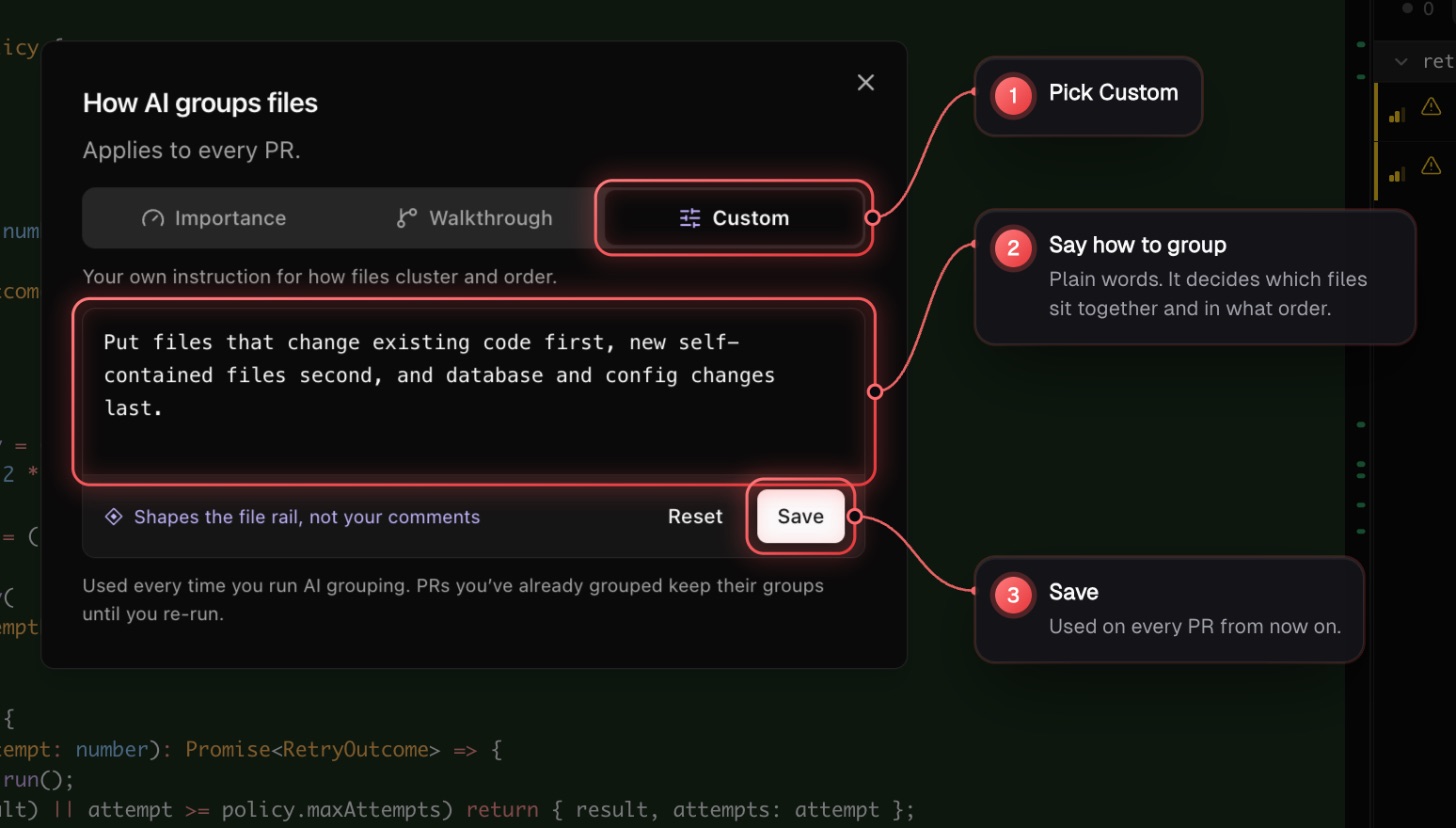
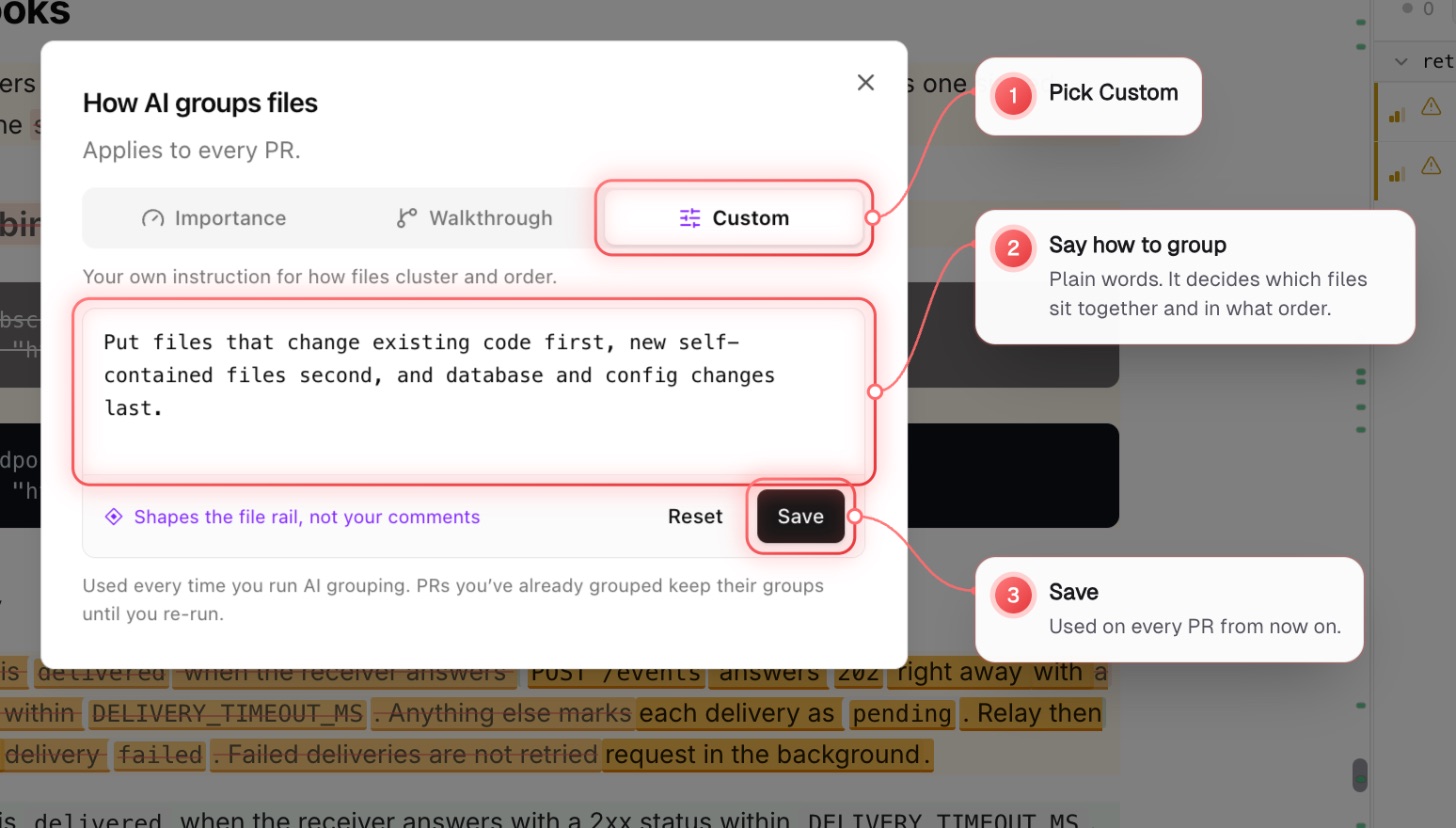
- Importance: signal vs. noise. The files that matter come first; generated and trivial files are folded away.
- Walkthrough: a reading path. Foundations first, then numbered layers in dependency order.
- Custom: your own instruction for how files cluster and order. Write it, then Save.
A Custom instruction can describe any split you want, for example: Group files that change existing code separately from new files, and put database changes on their own.
Regroup after changing the intent
A PR you already grouped keeps its groups until you run again. After you change the intent, Regroup appears in the rail footer. A grouping you already ran for that intent and commit comes back instantly without a new AI run.
What grouping does not do
Grouping only decides which files sit together and in what order. It does not change how strictly AI reviews them. To make AI hints stricter or focus them on certain risks, write that in Settings › AI › Preferences › Review guidelines, which steers inline hints.
The PR chat cannot regroup files or change this setting for you. Ask it which files match a description and it will list them.