Inbox
The Inbox collects comments written at you: replies, mentions, reviews, inline comments, other comments and reactions. Pick one on the left to read the whole thread beside it, then reply or resolve in place. j and k move through the list, and ⌘F searches comments.
The tabs are views: All, Code, Open threads and Mentions to start with. New view saves your own filters (who is involved, PR state, repositories, sort order). A view's menu has Edit view, Open by default, Mark view read, Copy link, Count in Inbox badge, Notify me and Delete.
To make your own view, open Filters, set what you want, then Create view from these filters.
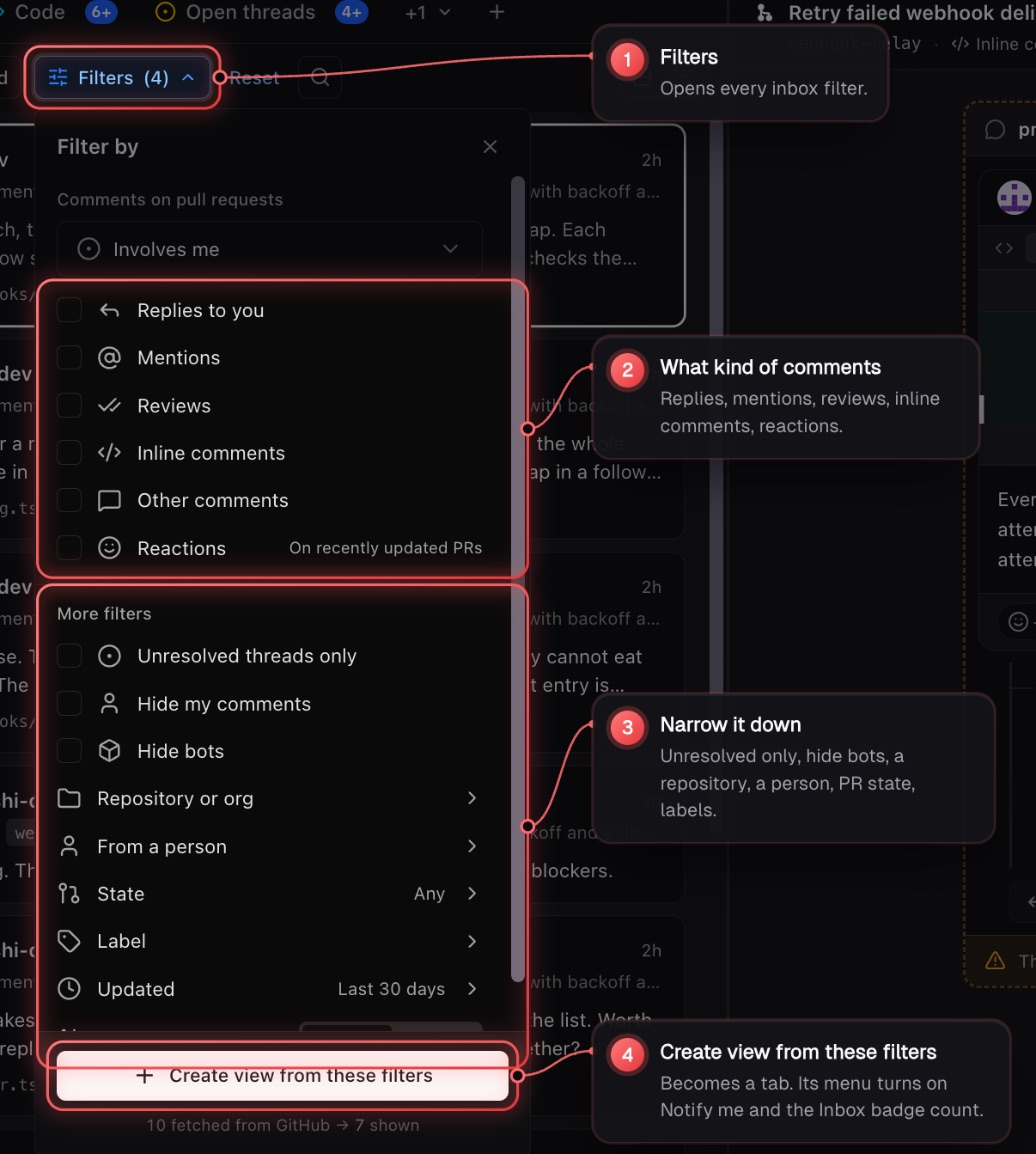
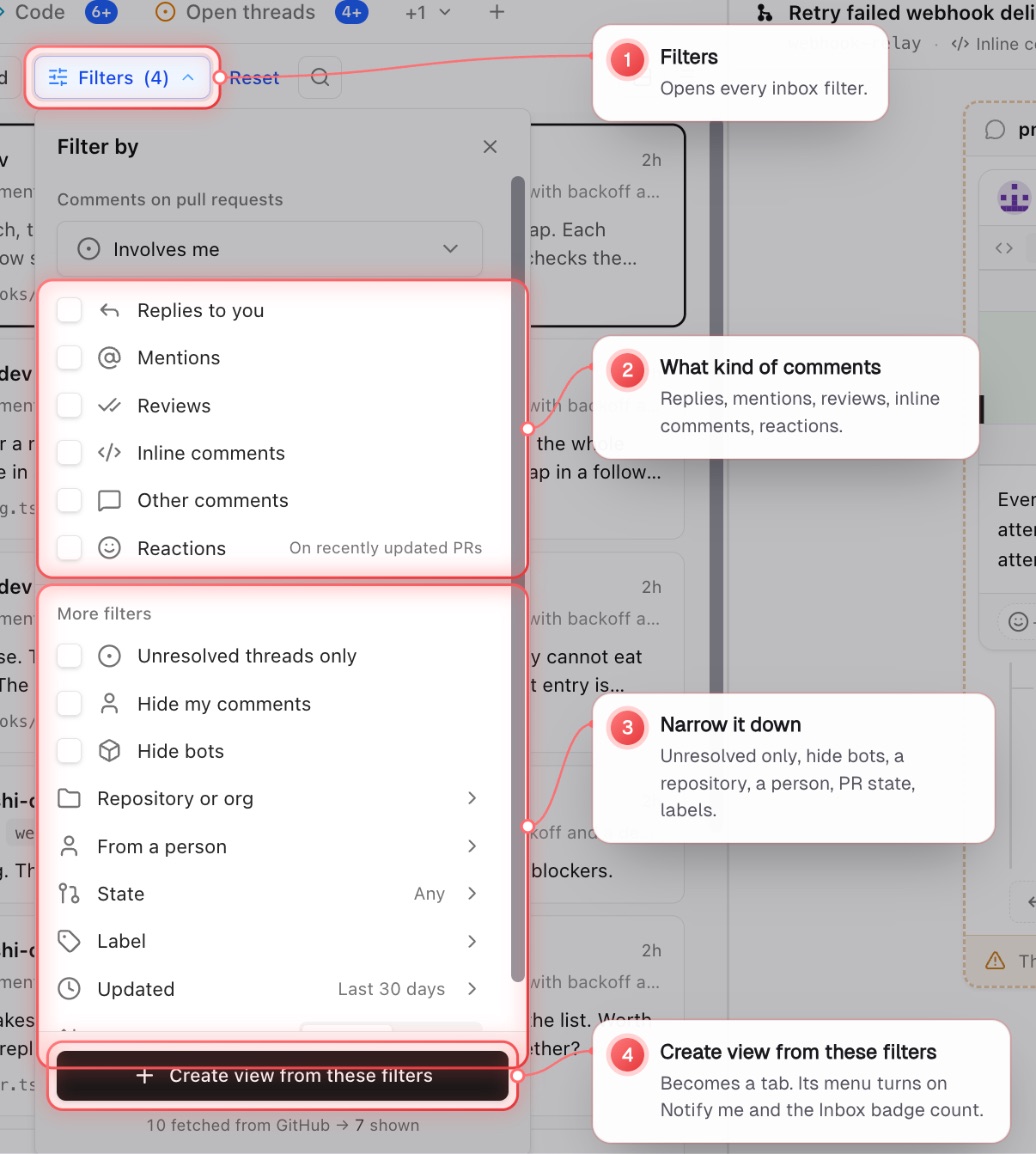
Read state syncs across your devices. Select several rows to Mark read or Mark unread. Cards and Compact change the density. Under the thread, Open pull request opens its PR.
On a phone
Comments are grouped under their pull request, two lines a row: who did what and when, then a short excerpt. Swipe a row right to mark it read or unread (a full swipe does it). Press and hold a row for its sheet, with Mark read or Mark unread, Open on GitHub and more. Swipe and press and hold work the same on a tablet held upright. Views opens as a sheet. Opening a comment is a step in your history, so Back returns you to the list where you left it.
Notifications
Turn on Notify me on any Inbox view to get a system notification for new comments in it. Allow notifications and set Quiet hours in Settings › Notifications.
Pull requests
Pull requests is a strip of saved views. My PRs and Reviewing come first; rename, delete or restore them with Restore default views. The Team tab shows your teammates' open PRs.
Filter by Status, Organization, Repository, Author, Reviewer, Label, Checks, Review state, Your part in it, Assignee and Milestone. Filters run as GitHub searches, so counts are the real counts. After changing a view's filters, a dot appears on its tab: Save it, or Save as new to keep it as its own view. + starts a new view from scratch.
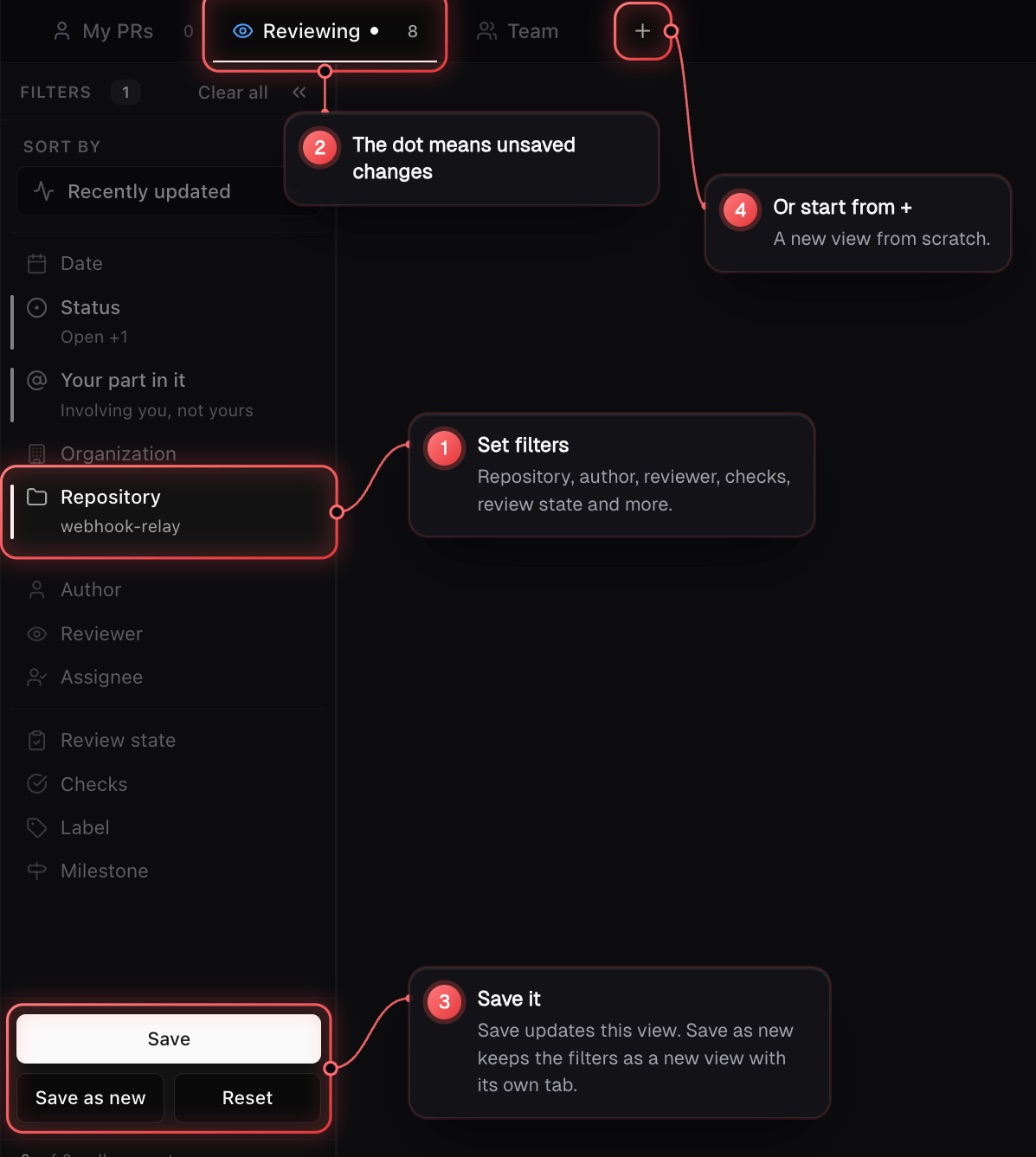
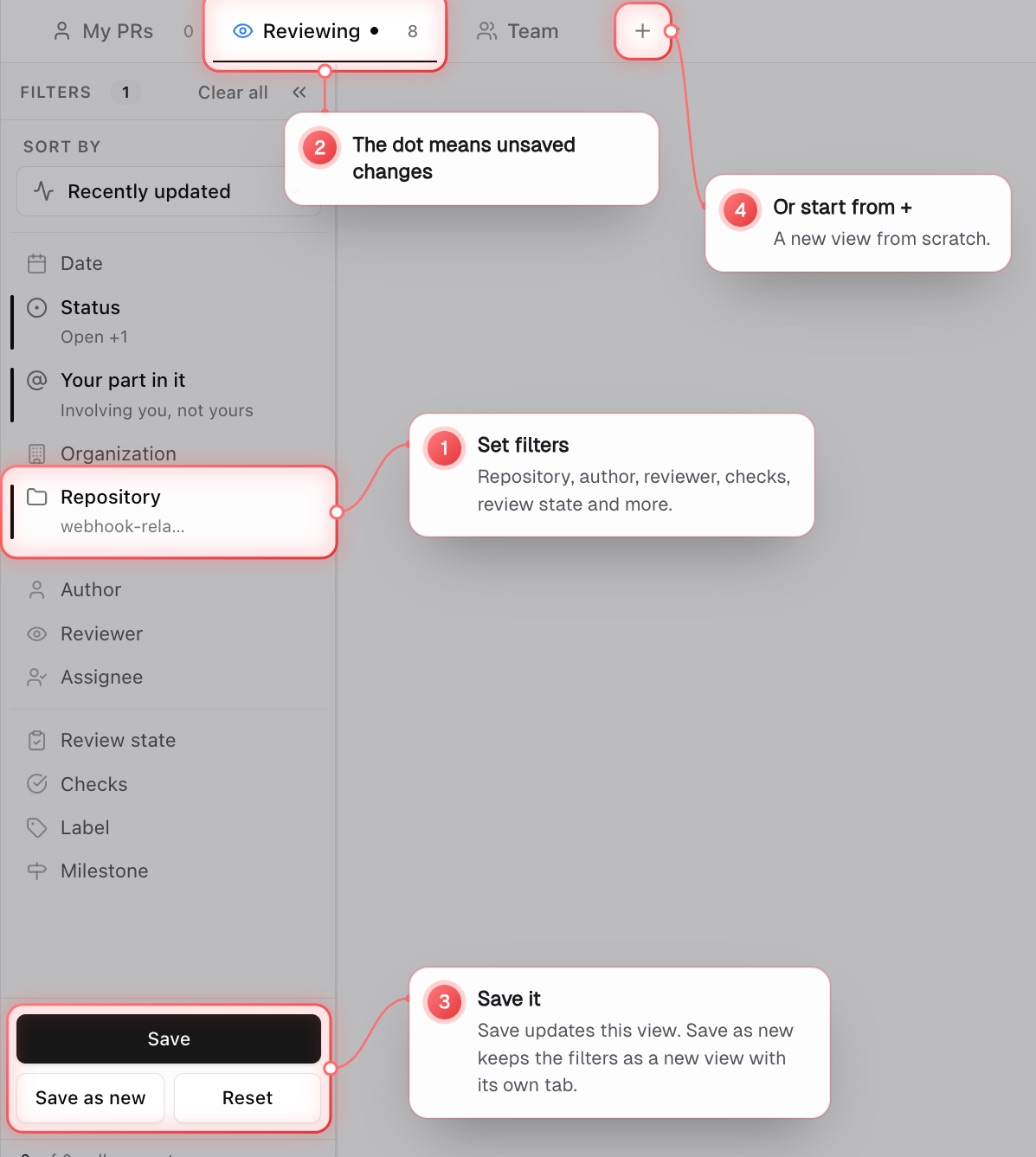
j and k move through the list, and Enter opens a PR. Each row's options menu has Open on GitHub, Copy link, Copy branch name, Request review and Change status.